
Look at the work, not the number of rows
A spreadsheet is not automatically the wrong tool. It may be a good fit for a calculation, a small planning exercise or a report one person maintains. The question is whether the people doing the job can trust it and use it without constant help.
The warning signs often appear in the handovers: a manager checks three copies, someone asks which status is current, or a formula breaks and the whole process waits for its author.
You do not need to feel embarrassed about a process that has grown around spreadsheets. It solved a problem at the time. We can help you decide what should happen next.
Signs that the process needs attention
- The same information is copied between several workbooks or entered into another system afterwards.
- Only one person understands the formulas or knows how to repair the file.
- People need different access, but the workbook gives them more information or editing rights than their job requires.
- Work is missed because there is no clear owner, next action or dependable reminder.
- Staff cannot easily use the process on a phone or out in the field.
- Finding out who changed a value, and why, takes more work than it should.
One of these problems does not automatically mean you need custom software. Sometimes a better form, clearer permissions or an existing tool can fix the immediate issue.
Choose the smallest change that helps
- Improve the current setup. Protect key areas, simplify inputs and agree one place for the current information.
- Connect the tools. Use a form or an integration to reduce copying and make handovers more dependable.
- Build a focused application. Add the screens, permissions and workflow that your existing tools cannot provide.
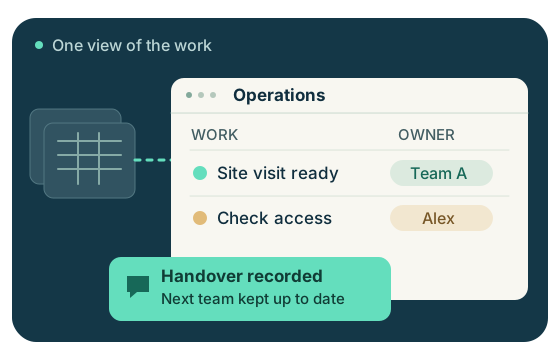
A custom dashboard can show jobs, owners and exceptions in one place. Its value comes from a reliable process and clear source data, rather than a more attractive version of an unreliable workbook.
What we would ask before building
- Who enters the information, who checks it and who needs to see the result?
- Which fields are essential, and where does each value originally come from?
- What should happen next when a record changes?
- Which actions need approval or a history of changes?
- What must keep working while we move from the old process?
We can sketch a small part of the workflow with you, test a real task and agree what to build first. The aim is a tool the team can use confidently, with a plan for support and running costs.
Move in stages, with a way back
Start with one workflow and test it with a small set of suitable records. Compare results with the existing process, check access for each role and decide what happens if the new tool is temporarily unavailable.
Keep a controlled copy of the original information and agree when the team will stop updating it. Two competing versions can create more work than the new system removes.
Bring the spreadsheet and the problem it is causing. You do not need to arrive with a software specification.
Join the conversation
Questions & comments
Share a useful question or your experience. We review every comment before it appears here. Your chosen display name will be public; please leave out contact details and sensitive information.
Comments aren’t available just now. You can still email us with your question.